
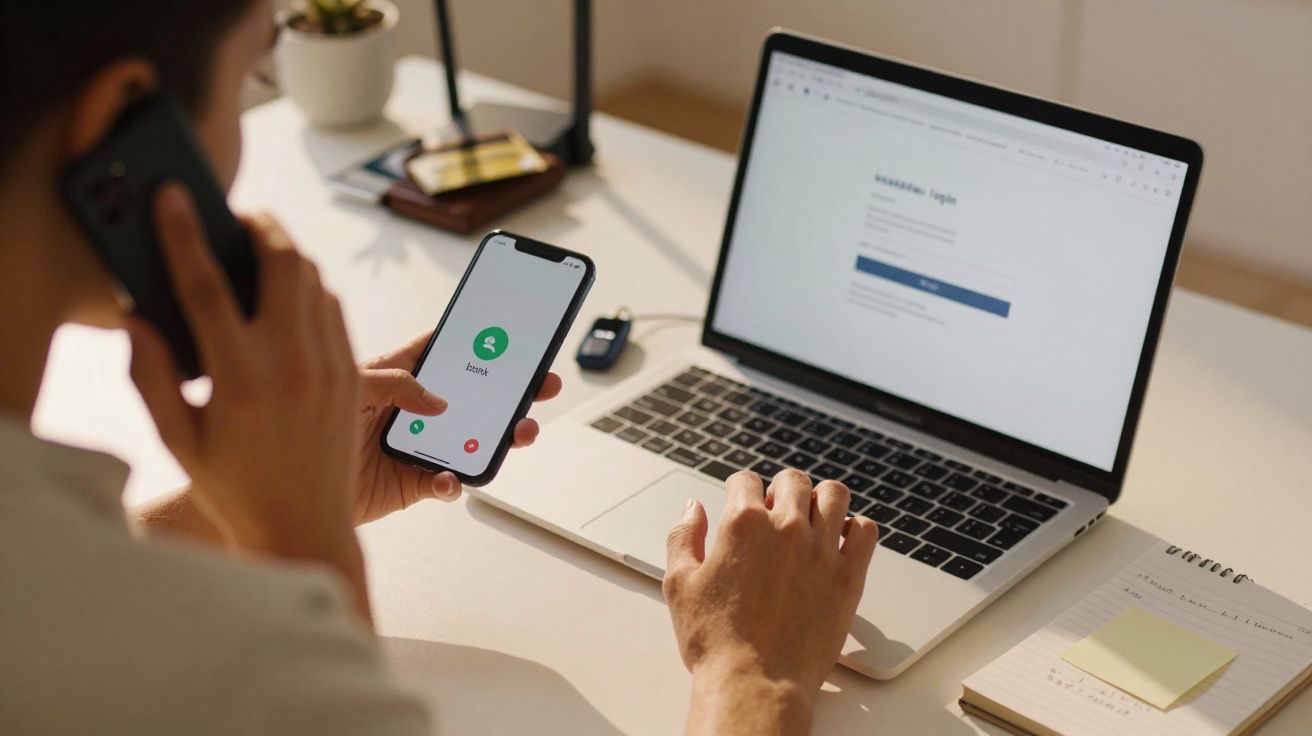
Scam calls are becoming smoother, more clinical and much harder to recognise - and a new tactic is now giving novices the sort of capability you’d normally expect from a professional operation.
Security researchers warn that the latest wave of phone scams combines lifelike human voices with heavy automation. The result is that criminals can take over online accounts live, slip past security checks and drain bank balances while the target is still on the call.
Phone fraud turns high-tech with phishing kits
For a long time, phone fraud relied on awkward scripts, obvious lies and crude intimidation. That phase is rapidly disappearing. Security analysts at Okta Threat Intelligence say organised groups are increasingly using phishing kits built specifically for phone-based attacks.
These kits are packaged software tools, typically sold or leased on criminal forums. They enable even inexperienced fraudsters to run sophisticated scams with polished, almost call-centre-like efficiency.
Rather than guessing what you’re looking at, the caller can see your login journey as it happens and adjust instantly.
A caller will often pretend to be bank support, an internal IT technician or the helpdesk of a well-known technology company. While keeping you talking, they steer you to a website that appears identical to your bank or workplace portal - but it is a counterfeit site controlled by the phishing kit.
Real-time control of your login session
What makes this approach especially risky is the synchronised timing. As you type, the kit quietly forwards everything to the scammer, who logs in to the genuine service in parallel - almost at the same moment.
A typical attack commonly unfolds like this:
- The criminal rings and claims you must act immediately - for example, a “suspicious payment”, a “compromised work account” or a “blocked device”.
- You are directed to a website, often via an address spelled out over the phone, that looks authentic but is operated by the kit.
- When you enter your username and password, those details are transmitted straight to the attacker.
- The attacker uses the captured credentials to sign in to the real service while you remain on the fake page.
At this stage, many people feel protected because their bank or employer uses multi-factor authentication (MFA) (such as a one-time code or an approval prompt). Until recently, that extra step stopped a lot of scams. This new method is designed to work around it.
How scammers bypass multi-factor authentication (MFA)
When the fraudster triggers a real login attempt behind the scenes, the genuine service issues an MFA challenge. The phishing kit identifies the type of prompt and updates the fake page to mirror it, so what you see matches what the attacker needs.
- Record-breaking snowstorm on the horizon: experts split on whether it’s a rare warning or media-fuelled panic
- “Stop copying Pinterest if you want a real garden”: how to adapt trends to your climate and soil to avoid costly failures
- Trend hairstyle 2026: what the mid-length feather cut looks like
- Over 55 and choosing a larger jacuzzi: “you may be heating an extra 1,893 litres unnecessarily”
- The US Navy’s new nuclear-powered aircraft carrier John F. Kennedy is finalising preparations ahead of sea trials
- A winter storm warning has been issued as up to 152 cm of snow is forecast this weekend, with severe travel disruption and widespread power cuts expected
- Short haircut for fine hair: the 4 best hairstyles to add volume to short hair and make it look thicker
- According to psychology, these 9 common parenting attitudes are most likely to create unhappy children
If you receive a push notification or a code, the scammer already knows exactly which screen you’re looking at - and can deliver the perfect line to pressure you into accepting it.
Examples include:
| Type of MFA | What the victim sees | What the scammer says |
|---|---|---|
| Push notification | “Approve sign-in request?” | “I’m sending a security prompt now - please tap ‘Approve’ so we can stop the fraudster.” |
| SMS or app code | A six-digit code | “To verify you, read out the code you’ve just received so I can confirm your identity.” |
| Number-matching push | “Enter the number shown on the screen” | “You’ll see a number - type it into the app when it asks. That proves you’re the genuine account holder.” |
Because the process feels guided and coordinated, many victims don’t realise they are effectively completing the attacker’s login on the attacker’s behalf.
Why traditional verification no longer holds up
Classic security guidance has focused on strong passwords and added verification. Those measures still matter, but on their own they are no longer sufficient when an attacker is effectively running your session like a professional contact centre.
Phishing kits give criminals rich visibility into what’s happening on the victim’s side: which app is in use, which prompts appear, and whether a step fails. On the phone they sound calm, assured and procedural, repeatedly framing everything as “routine security” while gradually increasing the pressure.
The caller follows a script, the fake website adapts in real time, and you’re made to feel rushed - that combination is exactly what the attacker is aiming for.
They also frequently spoof caller ID so your bank, employer or a major brand appears on your screen. If you hesitate, they intensify urgency: accounts will be frozen, wages held back, or legal action started unless you comply immediately.
How to protect yourself from the new wave of phone scams
Specialists now strongly favour login methods described as phishing-resistant. The key idea is that even if you are tricked into visiting a fake site or pressured on a call, the criminal still cannot complete a login from their own device.
Two options are repeatedly highlighted:
- Passkeys: These replace passwords with a cryptographic key stored on your phone, tablet or computer. Crucially, the key works only with the genuine website or app - not a lookalike.
- Hardware security keys: Small USB or NFC devices that must be physically present and tapped or inserted during sign-in.
Both approaches tie access to your specific device and to the real domain, making the scammer’s fake page far less useful. Even if the person on the line sounds convincing, they can’t simply reuse what you provide to get in elsewhere.
Alongside better technology, day-to-day behaviour remains just as important:
- End unsolicited “support” calls about urgent “security problems”, then ring back using the official number from your bank card or your company intranet.
- Enter web addresses yourself (or use a saved bookmark) rather than following links or addresses dictated over the phone.
- Do not share one-time codes, approval prompts or passwords with anyone - even if they claim to be staff.
- If you feel pressured, pause the conversation and seek a second opinion from a trusted colleague, friend or family member.
An extra practical step is to tighten your own account hygiene: review payees, set sensible transfer limits where your bank allows it, and enable alerts for new payees and large transactions. Those controls won’t stop every attack, but they can reduce the damage window if an account is compromised.
If you believe you’ve been targeted in the UK, treat it as both a financial and identity risk: contact your bank immediately via a trusted number, change passwords from a clean device, and report the incident to Action Fraud. Keeping a note of times, numbers shown on caller ID, and any websites used can also help investigations and dispute processes.
What companies and banks should change about phone fraud
Organisations face a parallel risk, particularly where staff can approve payments, alter payroll details or access sensitive records.
Security teams are being encouraged to restrict access so that only recognised, trusted devices can reach critical systems. That way, stolen credentials alone are far less valuable to an attacker.
Clear internal rules also make a difference. Employees should be explicitly told that IT will never request passwords or MFA codes by phone, and that any unexpected “support” call can be ended and verified through official channels without punishment.
When staff know they won’t be blamed for ending a genuine call by mistake, social engineers lose one of their strongest pressure points.
What phishing kits actually are
Although the term sounds technical, the concept is straightforward. A phishing kit is a ready-to-use bundle of fake web pages, scripts and tooling that can be deployed with very little expertise. Many include dashboards showing which victims are online, which stage each person has reached, and which logins have succeeded.
Some kits even ship with training notes and call scripts, turning a lone scammer into something closer to a franchise operator. A newcomer pays for access, follows the instructions, and gains a plug-and-play criminal workflow.
This industrialisation is a major reason modern phone fraud feels more polished - and less obviously suspicious - than it once did. The person speaking to you may not be a brilliant hacker; they may simply be using powerful tooling that guides them step by step.
A realistic scenario: how one call can play out
Picture a weekday afternoon call. Your phone displays your bank’s name. The caller is courteous, slightly hurried, and claims your account was used moments ago for a payment overseas.
They say they “just need to verify you” and ask you to visit what sounds like your bank’s web address. You type it in quickly and miss an extra hyphen. The page looks perfect: logo, familiar layout, even legal wording.
You sign in. A prompt appears on your phone asking you to approve a sign-in. The caller reassures you: “That’s me - I’m confirming we’re speaking to the real account holder. Please approve it so I can block the fraudulent payment.”
You tap approve, relieved that someone is “sorting it”. In reality, the attacker has just opened the door to your genuine account. Within minutes they add new payees and move money, while keeping you occupied with “case references” and “reversal procedures”.
By the time you start to feel uncertain, the harm has already been done.
Why psychology matters as much as technology
These scams succeed because they are designed around human reactions, not only technical gaps. Fear of losing money, fear of breaching workplace rules, and the instinct to comply with confident authority all contribute.
Learning to spot pressure tactics can protect you as much as any security feature. If a caller insists you must act within seconds, must not end the call, or must keep the conversation secret, treat that as a strong warning sign.
Any legitimate support worker will be comfortable with you ending the call and ringing back via a trusted number.
Staying calm, slowing the interaction and checking details puts you back in control. When you combine that mindset with phishing-resistant sign-in methods, you dramatically reduce the chance that a sophisticated scam call turns an ordinary day into a financial emergency.






Comments
No comments yet. Be the first to comment!
Leave a Comment